








Generator
History
AI Floor Plan Generator
Change Tool
Model
Base
Switch
Reference floor plan
Upload
BedRoom
-
2
+
BathRoom
-
1
+
Gross Area
Unit metric
 imperial
metric imperialArea
< 50㎡
50-80㎡
80-100㎡
100-120㎡
120-150㎡
> 150㎡
Extras
Looking for any specific?
e.g. Modern style living room with bright colors, soft lighting and minimalist design.
 Count
Count
Unlock Your Dream Space: AI Floor Plan Generator for Effortless Layout Design
Revolutionize how you design floor plan layout with Ideal House's cutting-edge AI Floor Plan Generator. Quickly transform your vision into precise 2D floor plans, perfect for home renovation, real estate listings, or simply visualizing your ideal living space. Our intuitive tool lets you define rooms, kitchen styles, and gross areas to create stunning, functional layouts in seconds.
Generate My Floor Plan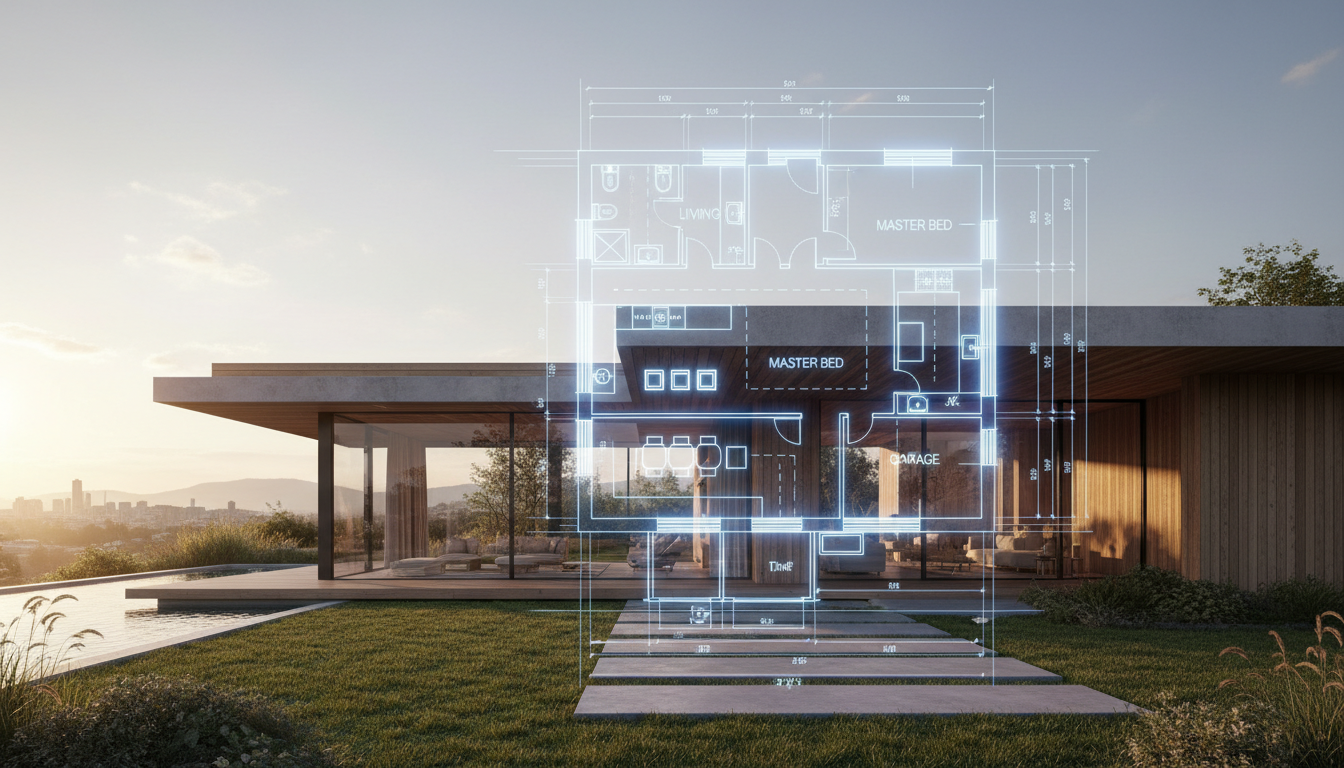


Experience the Ideal House Advantage: Intelligent Floor Plan Creation

Instant 2D Floor Plan Generation
Say goodbye to manual drawing. Our AI Floor Plan Generator rapidly produces high-quality 2D floor plans from your specific inputs. Define the number of bedrooms and bathrooms, select open or closed kitchen concepts, and choose your desired gross area. You can design floor plan layout options in moments, saving valuable time.
Tailored Layout Design with Smart Extras
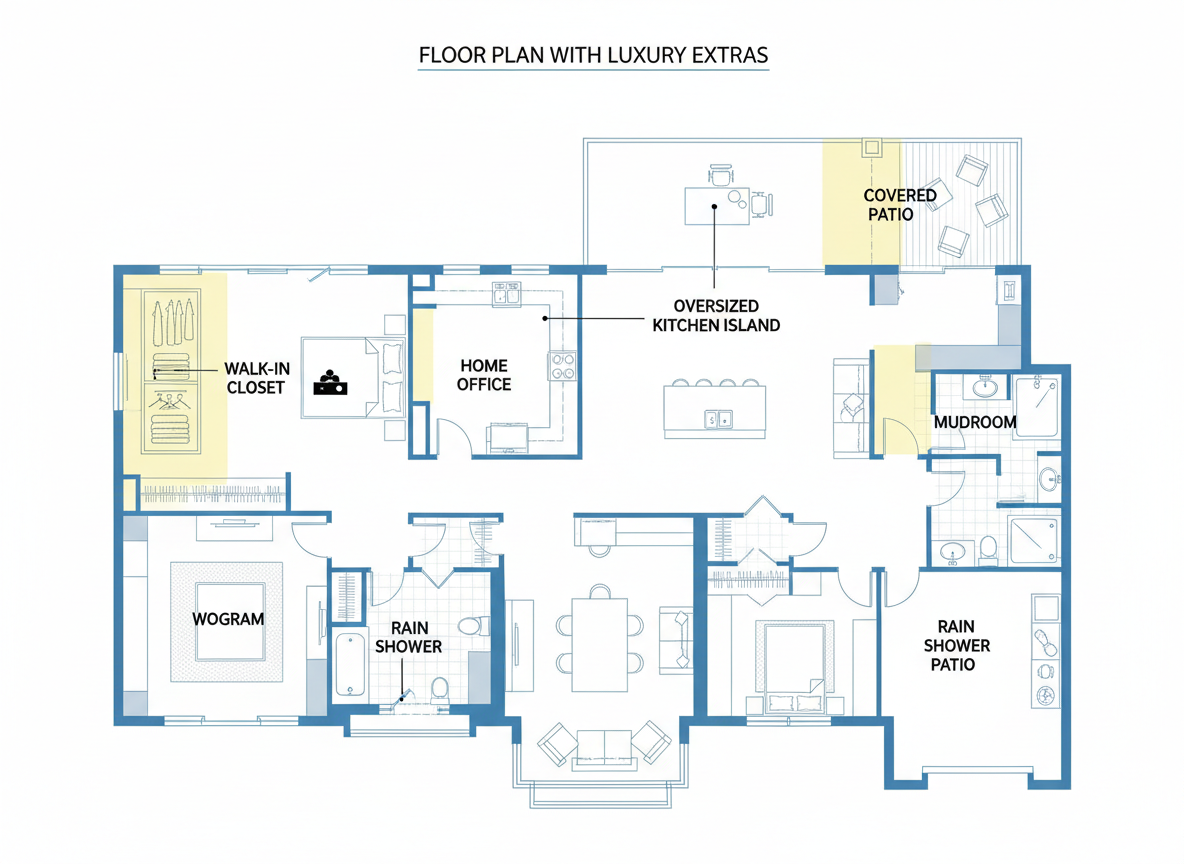
Go beyond basic blueprints. Ideal House allows you to customize your layout design with crucial 'extras' like walk-in closets, laundry rooms, home offices, and balconies. These selections intelligently shape your property layout, ensuring every space aligns with your lifestyle or client needs. Explore custom floor plan possibilities with ease.
Visualize and Iterate with Confidence
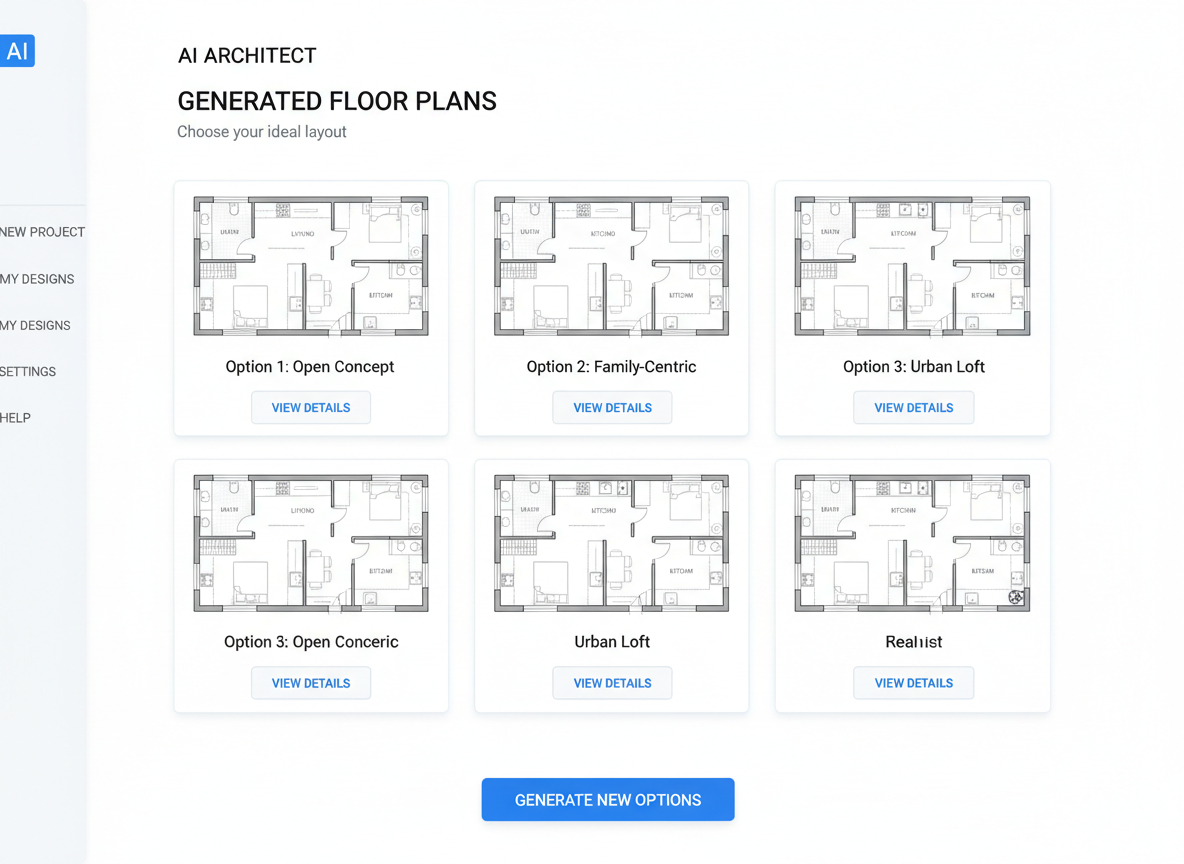
Our AI floor plan maker isn't just about generation; it's about iteration. Every design floor plan layout created is saved in your Generation History, allowing you to compare multiple house plans side-by-side. Experiment with different room configurations, kitchen layouts, or bathroom layouts to find the perfect fit for your space planning goals.
Optimized for Real Estate and Home Renovation
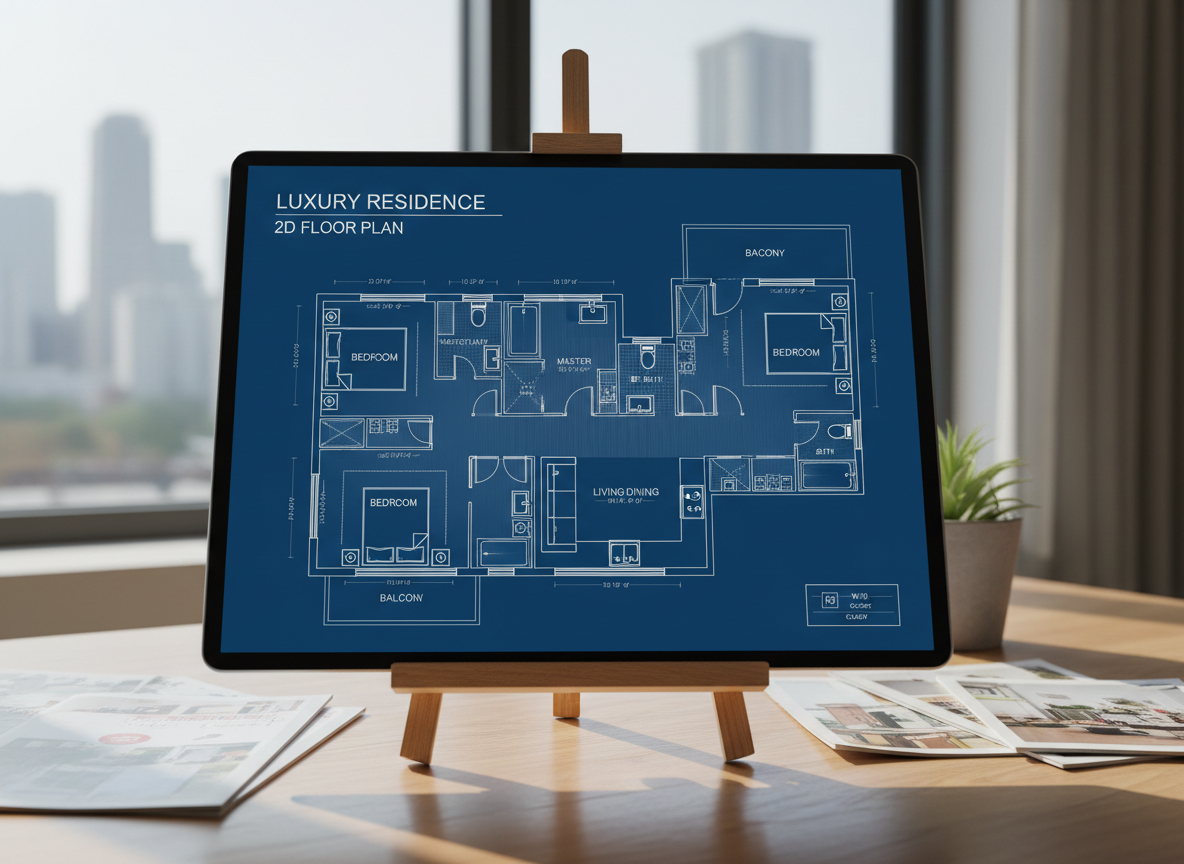
For real estate professionals, quickly generating professional 2D real estate floor plans enhances listings and accelerates sales. Homeowners planning a renovation can effortlessly design floor plan layout ideas, visualizing potential changes to their interior layout. This tool provides clear architectural drawing quality for every project.

Who Benefits from Our AI Floor Plan Generator?

Homeowners & DIY Enthusiasts: Easily design floor plan layout for your dream home or renovation projects.

Interior Designers & Decorators: Rapidly create apartment floor plan concepts and iterate with clients.

Real Estate Agents & Brokers: Generate consistent, compelling 2D floor plans for all your property listings.

Simple Steps to Design Floor Plan Layout with AI
1
Define Your Rooms: Select desired bedrooms (0-4) and bathrooms (1-3) to establish the core of your house plans.
2
Choose Your Kitchen Style: Opt for an open or closed kitchen layout, influencing the flow and feel of your living areas.
3
Specify Gross Area: Pick a size range to guide the overall proportions and scale of your layout design.
4
Add Key Features: Select 'extras' like a walk-in closet, home office, or balcony to customize your interior layout.
5
Generate & Refine: Click 'Generate' to see your 2D floor plan. Review, adjust inputs, and regenerate to compare versions.
6
Download & Share: Export your chosen custom floor plan as an image or PDF to share with clients, partners, or on listings.
Frequently Asked Questions about Our AI Floor Plan Generator
How does the AI translate my selections into a design floor plan layout?
Our AI floor plan generator uses advanced algorithms to interpret your preferences for rooms, kitchen type, gross area, and extras. It applies common architectural and space planning principles to generate a functional and visually appealing 2D floor plan, suggesting optimal room adjacencies and circulation paths.
What specific ranges and defaults are available for room planning?
You can select 0-4 bedrooms (default 2), 1-3 bathrooms (default 1), and choose between an open or closed kitchen layout (default open). Gross Area bands are available to match various property sizes, allowing for precise space planning.
How do 'Gross Area' selections impact the generated 2D floor plan?
The 'Gross Area' range you choose provides the AI floor plan creator with the overall footprint, ensuring that room sizes, corridor widths, and general proportions are appropriate for the desired scale. This helps in creating a realistic property layout.
What's the difference between open and closed kitchen layouts in the generator?
An open kitchen layout typically promotes a more spacious, interconnected living-dining area with smoother flow. A closed kitchen layout creates a distinct, defined cooking zone, offering separation and potentially more wall space for cabinetry. Both options significantly influence your overall layout design.
How do 'Extras' like a walk-in closet or home office influence the layout design?
The 'Extras' you select guide the AI floor plan maker to prioritize and strategically place these features within your 2D floor plan. For instance, a walk-in closet will be positioned near a primary bedroom, and a home office in a quieter, more private section of the architectural drawing, optimizing the interior layout.
Can I compare multiple generated house plans?
Absolutely! Every design floor plan layout you generate is automatically saved in your 'Generation History.' You can easily filter these results by 'Created with AI Floorplan' and toggle between grid and list views to compare different house plans and choose your favorite.
How fast is the generation process, and how are credits used?
Most 2D floor plans are generated in just a few seconds, providing immediate visual feedback. Each click of the 'Generate' button, which displays the credit cost, consumes credits. All generated results are stored in your history for future reference.
Is the AI Floor Plan Generator compatible with tablets?
Yes, our online floor planner is fully browser-based and optimized for both desktop and tablet devices, including iPads. Your settings persist across sessions, making it convenient to continue your layout design on the go.
Enhance Your Design Projects with More Ideal House Tools
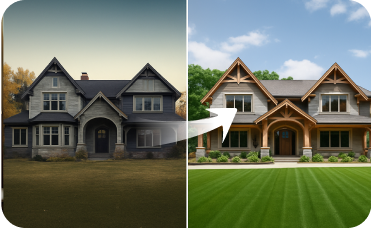
Exterior Renovator
Perfect the materials, color palette, and landscaping details around your new extension.

HouseGPT
Get personalized design advice to complement your American Modern interiors with the perfect accessories or color schemes.

Change Furniture
Swap individual items within your staged scene to get the perfect look.
Ready to Design Floor Plan Layouts Like a Pro?
Transform your ideas into stunning 2D floor plans with Ideal House's AI Floor Plan Generator. Fast, intuitive, and perfect for any project.
Generate My Floor Plan
Ideal.House is more than a platform—it's your all-in-one home design ecosystem. Dive into powerful AI tools such as Interior Remodel, Exterior Renovator, and Landscaping to craft stunning spaces, and let HouseGPT guide you with tailored suggestions for planning, styling, and furnishing. Connect with a passionate community to swap ideas and advice, then take your designs from concept to completion with handpicked products matched to your taste.
At Ideal.House, we've built a space where technology, creativity, and collaboration come together to redefine home design.
At Ideal.House, we've built a space where technology, creativity, and collaboration come together to redefine home design.
Technical support [email protected]



💰 Earn 10% commission as a Ideal House Affiliate Partner.
Join us